Being without the passions and desires of men, their approvings and disapprovings are not to be found in him.
Zhuangzi, “The Seal of Virtue Complete” (德充符) — tr. James Legge, 1891A grievance is like rain on a lotus leaf: it beads up and slides off.
Press ⌃⌥⌘D or / to startReturn lets it goEsc cancelsTap Done on the keyboard to let it go
Inscription
One line is incised on the vessel; the original passage has two sentences. Below, the passage and Zhuangzi’s answer to Huizi are given word for word, each followed by its English translation (tr. James Legge, 1891).
Original
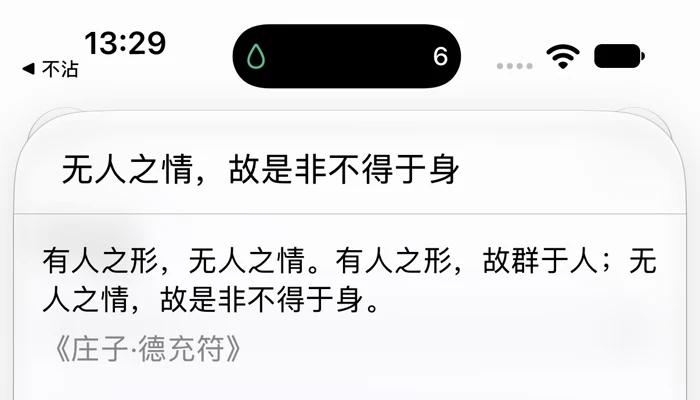
有人之形,无人之情。有人之形,故群于人;无人之情,故是非不得于身。
He has the bodily form of man, but not the passions and desires of (other) men. He has the form of man, and therefore he is a man. Being without the passions and desires of men, their approvings and disapprovings are not to be found in him.
Zhuangzi to Huizi
吾所谓无情者,言人之不以好恶内伤其身,常因自然而不益生也。
What I mean when I say that he is without these is, that this man does not by his likings and dislikings do any inward harm to his body - he always pursues his course without effort, and does not (try to) increase his (store of) life.
Source
Zhuangzi, “The Seal of Virtue Complete” (德充符), tr. James Legge, 1891
Note
“Without passions” does not mean cold.You still live among people.You just don’t let your likes and dislikes do you inward harm.
BuZhan turns this into one action: write down a grievance, press Return, and let it slide, like rain off a lotus leaf. The words live only in the animation and are released when it ends. The app keeps a single number, how many drops slid off today, and resets it at midnight.
Plates
One action, placed where things happen: the Mac menu bar, the iPhone Home Screen and Lock Screen, the bedside, and the moment before you open a social app. The app has a How to Use page, and this site has one too. It walks you through turning on StandBy and setting up an automation.
⌃⌥⌘Dopens the input bar in any app
Plate IMac menu bar
Where
The Mac menu bar, in any app.
How
Press ⌃⌥⌘D to open the input bar and type right away (Chinese input methods work too). Press Return to let it slide. Esc or a click elsewhere closes it without counting.
Notes
The menu bar shows the drop and today’s count. You can turn on Open at Login. There is no Dock icon. Pictured: part of the menu bar (top) and the input bar (bottom).
The same input and the same slide, with a light vibration as it goes.
Notes
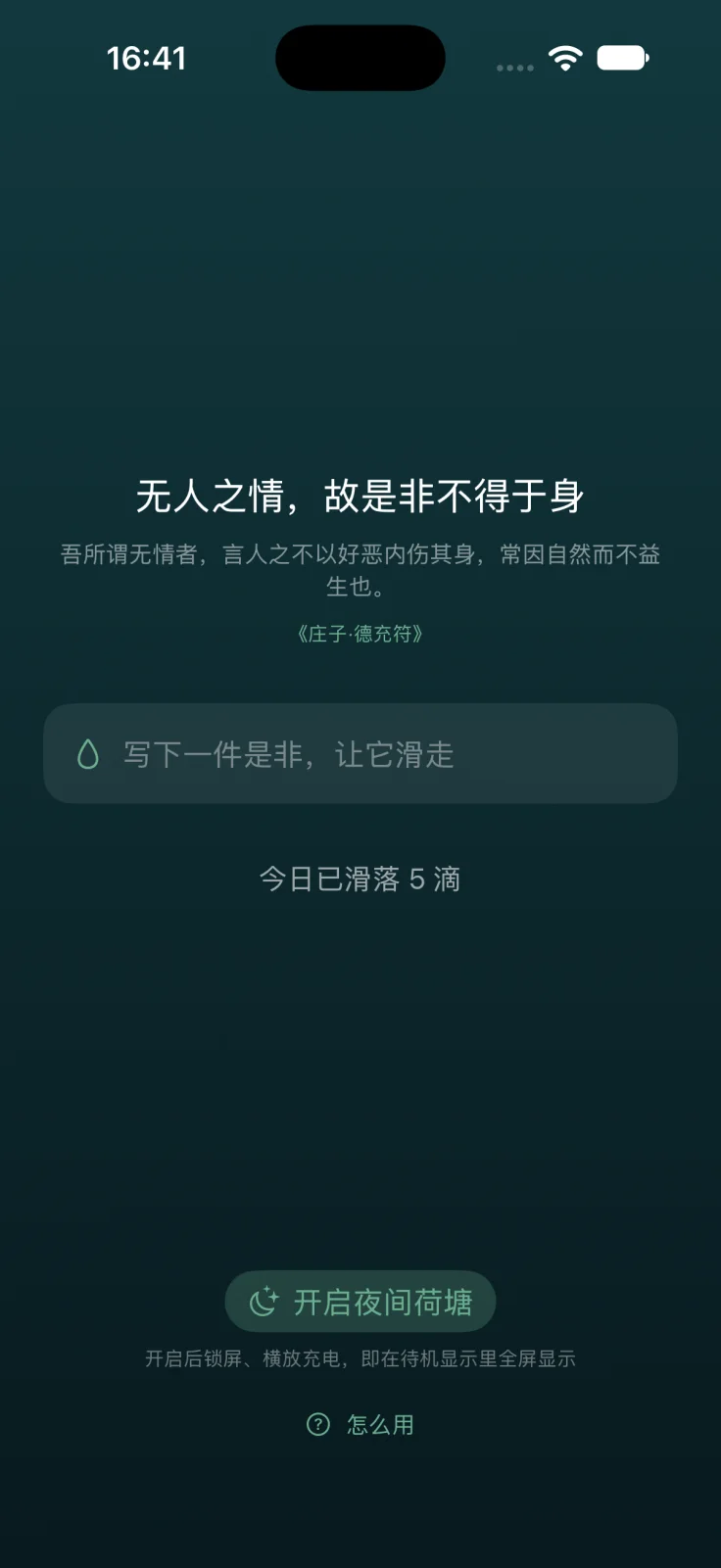
The main screen shows the core line, its gloss, the source and N drops slid off today. Simulator screenshot, Simplified Chinese interface.
Plate IIIThe widgets
Where
The Home Screen, the Lock Screen and StandBy.
How
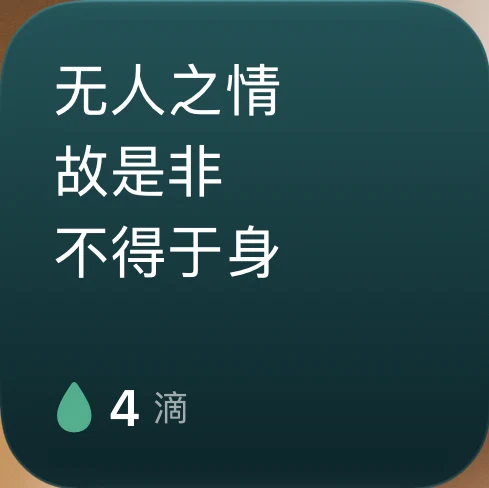
Small, on the Home Screen and in StandBy: the core line in three short lines, a drop and today’s count. On the Lock Screen: circular (a drop and the count), rectangular (the second half of the line and the count) and inline (a short phrase and the count).
Notes
Pictured: the small size, 4 drops today. Simulator screenshot, Simplified Chinese interface.
Plate IVNight Pond
Where
The Lock Screen, the Dynamic Island, and StandBy by the bed.
How
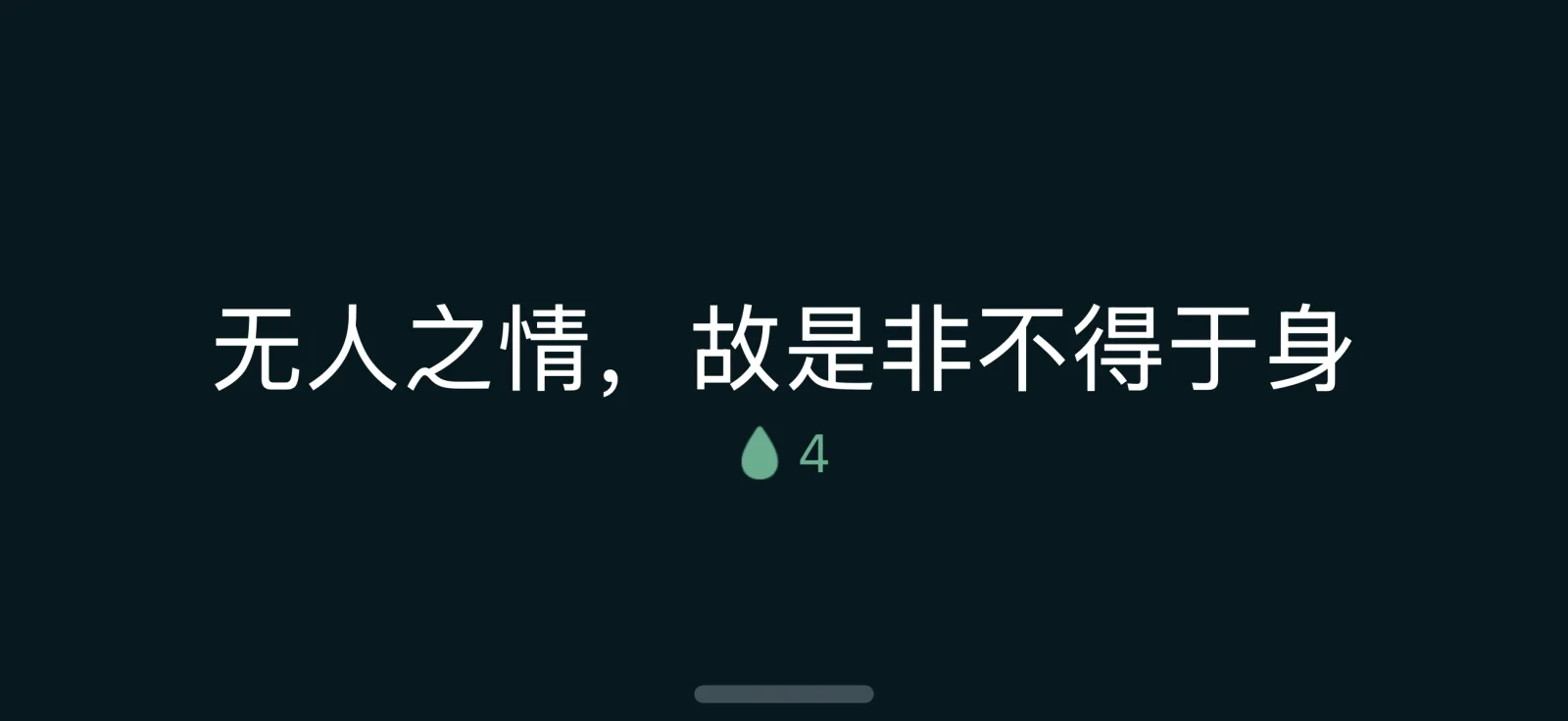
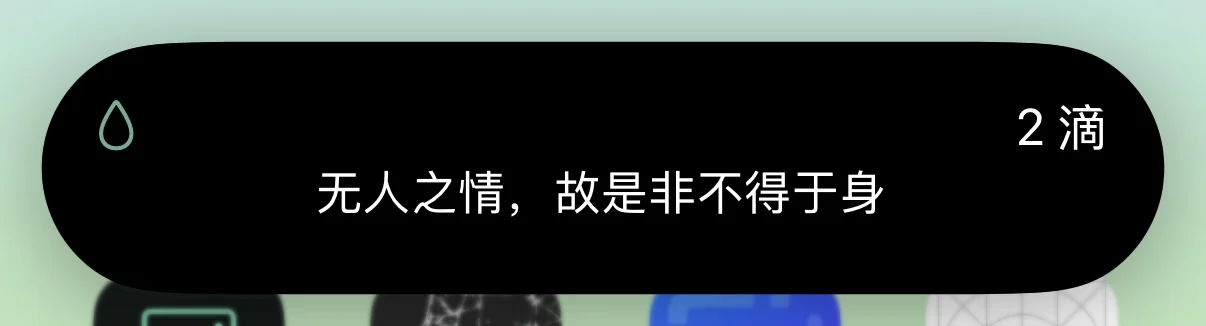
Tap Start Night Pond. It uses Live Activities, so it shows on the Lock Screen and in the Dynamic Island. Lock the phone and charge it on its side, and StandBy shows the line and today’s count full screen. It suits a bedside table.
Notes
A Live Activity lasts up to about 8 hours, and then the system ends it. After midnight it shows 0. The large image is StandBy on a real iPhone, Simplified Chinese interface.
Inset: the Dynamic Island, expanded (screenshot from a real iPhone)
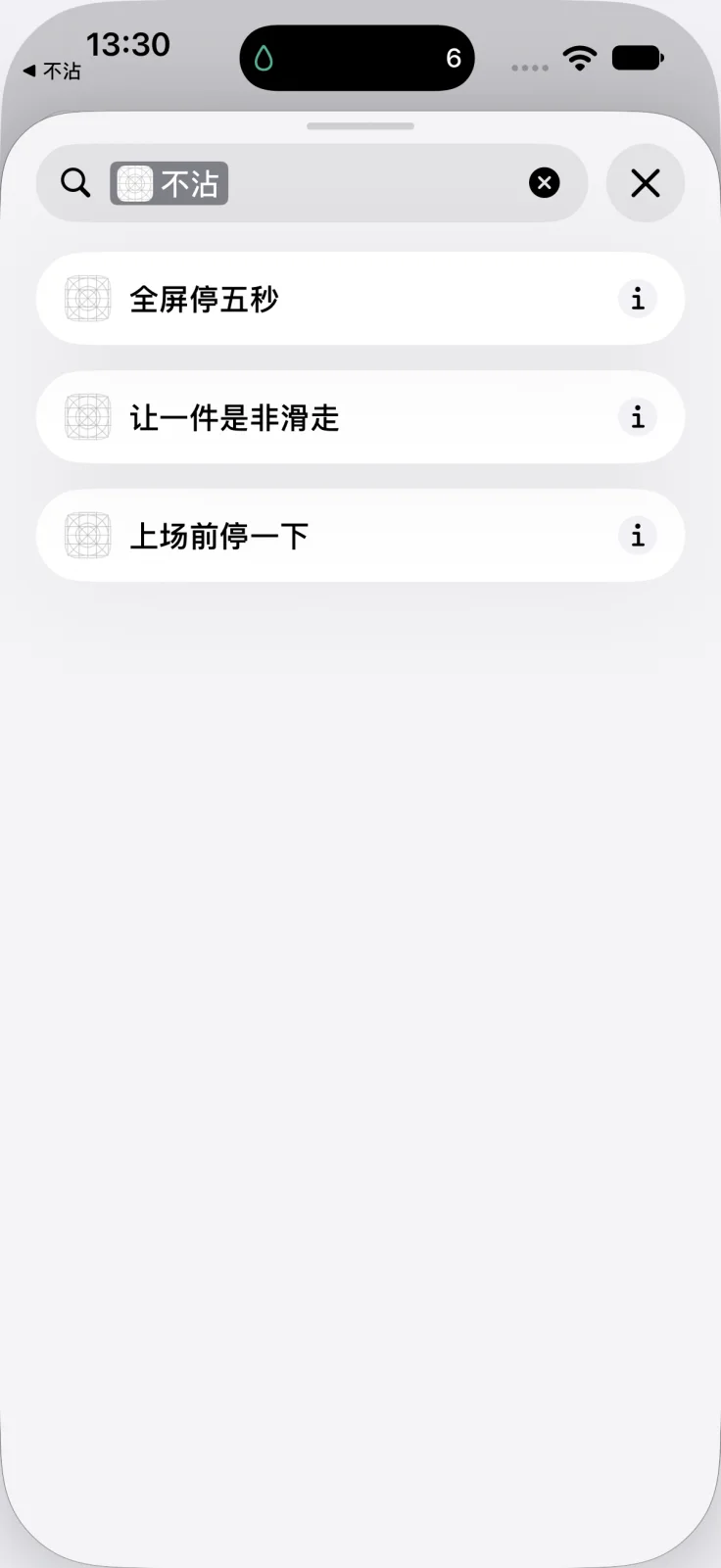
iOS doesn’t let one app block another, so this uses a Personal Automation in Shortcuts. Give such an app an automation that runs when it opens, with BuZhan’s action Pause Before You Dive In or Five-Second Full-Screen Pause.
Notes
Pause Before You Dive In doesn’t switch apps; it shows the passage over the current screen (pictured, in Simplified Chinese). Five-Second Full-Screen Pause switches to BuZhan for a five-second full-screen countdown. iOS can’t switch you back to the app you were opening, so you go back yourself.
One slide, in four frames. Time runs from the moment you press Return. Each character becomes one bead, up to 60; in about 3 seconds, all of them are gone.
0.0 s
Write
Write down a grievance and press Return.
0.45 s
Bead
Each character gathers into a bead, and one after another they start to fall.
1.2 s
Slide
With gravity and a slight sway, they slide away one by one.
3.2 s
Gone
The animation ends, the words are released, and the count goes up by one drop.
Upcoming exhibition: Reminder Line
Status
Coming soon
Platform
iPhone
Unlock
One-time purchase
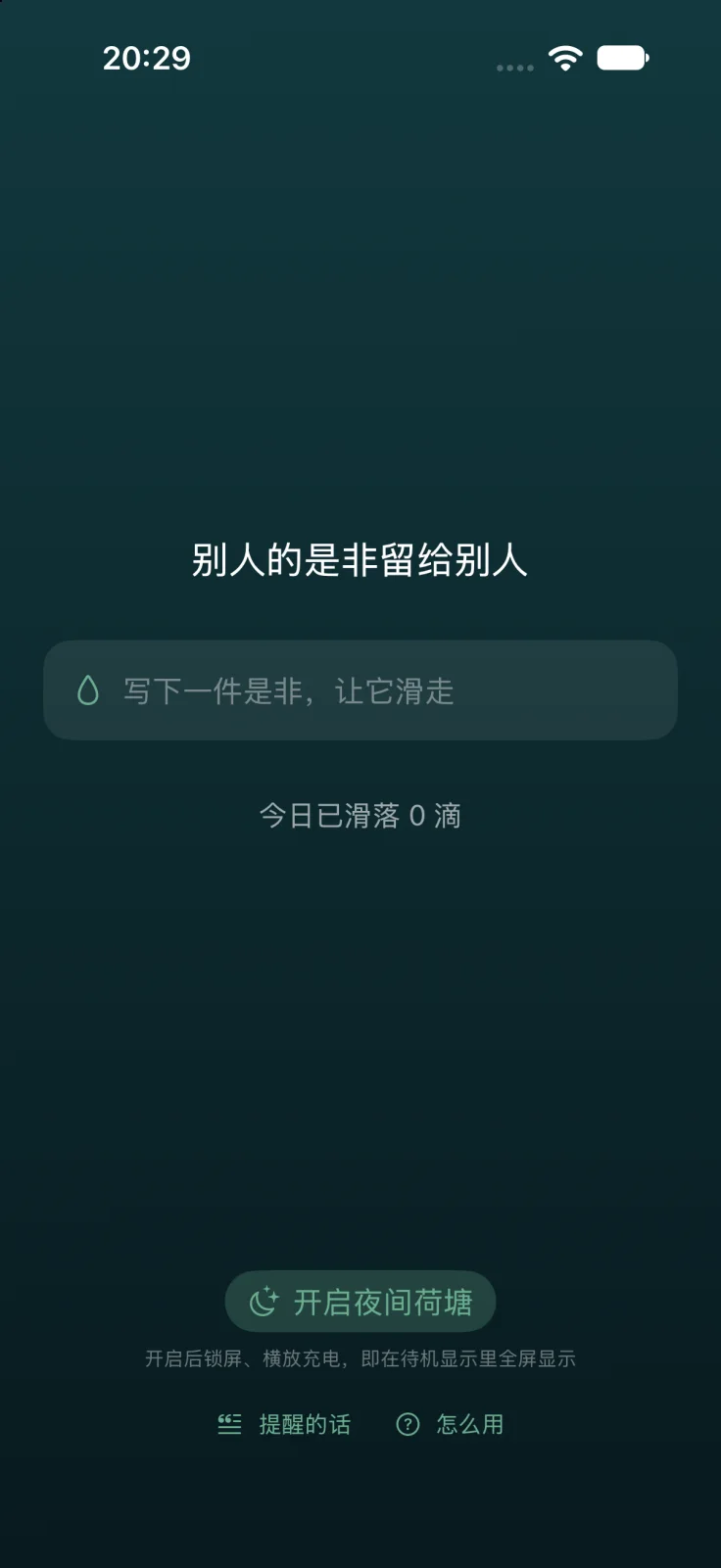
Replace Zhuangzi’s line with one of your own: up to 24 characters in English, spaces included, or 12 Chinese characters. An example:
Not my drama
Your line then appears on the main screen; on the Lock Screen, in the Dynamic Island and in StandBy through Night Pond; in the widgets; and in Pause Before You Dive In and Five-Second Full-Screen Pause. To bring Zhuangzi back, tap Back to the Zhuangzi Quote at any time.
Simulator screenshot of a build in development, Simplified Chinese interface. Reminder Line is set to 别人的是非留给别人 (“Their drama stays theirs”).
The glaze does not absorb:what isn’t kept
What you write lives only in the animation and is released when it ends. No journal, no history, no sync, no network. Item by item below; for how this website and support email handle data, see the Privacy Policy.
What you write
Not kept. When the animation ends, the text is released with the view.
Journal and history
No journal and no history. There is nothing to scroll back through.
Sync
No sync.
Network
Never goes online.
Account
No sign-up and no account.
Notifications
No push notifications.
Tracking and analytics
No tracking and no data collection. No analytics or ad SDKs.
Only the count kept
Today’s count and its date (reset when the day changes).
Language choice
Kept only if you pick an interface language in the app; going back to following the system deletes it.
One more, later
With Reminder Line, the line you write is kept too. Tapping Back to the Zhuangzi Quote deletes it.
Siri and Shortcuts
Let Something Slide takes no parameters and receives no content, because the system would write any parameter text into its action history.
Keyboard
Your system keyboard learns the words you type. That is the system’s behavior; the app can’t control it.
The demo here
The demo on this page saves nothing: what you write is not sent or stored anywhere. The count lives only in memory and resets when you reload.
Soon on theApp Store
Platforms
iPhone and Mac
Requires
iOS 17 or later on iPhone; macOS 14 or later on Mac
Interface
简体中文, 繁體中文 and English; follows your system by default
 BuZhan不沾